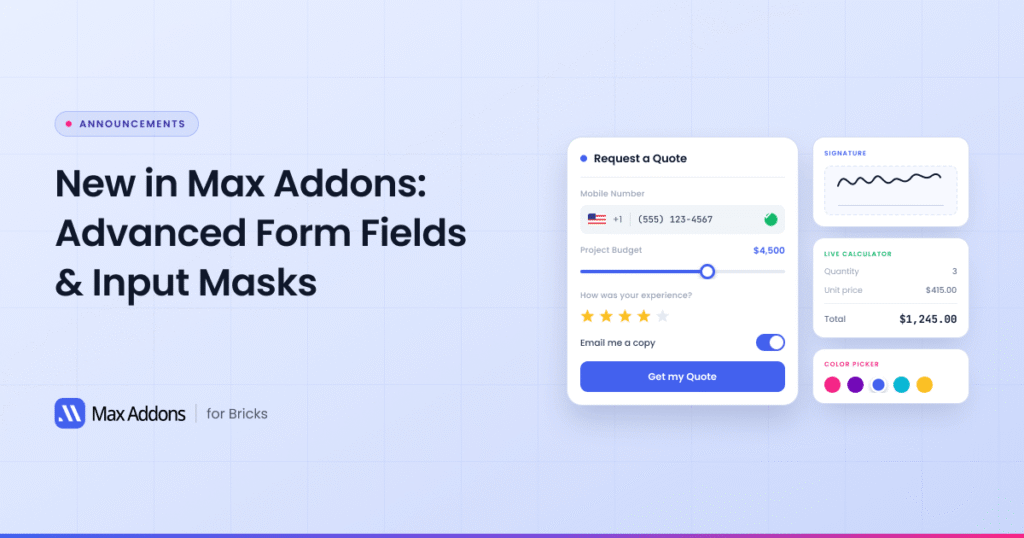
Creating forms isn’t just about collecting information anymore. Modern forms are expected to be interactive, easy to complete, and personalized to different use cases. That’s why we’re excited to introduce five new Form Fields in Max Addons for Bricks Builder!
If you’ve been looking for a way to create quote calculators, multi-step forms, feedback forms, or forms with a more polished user experience, these new additions are here to help.
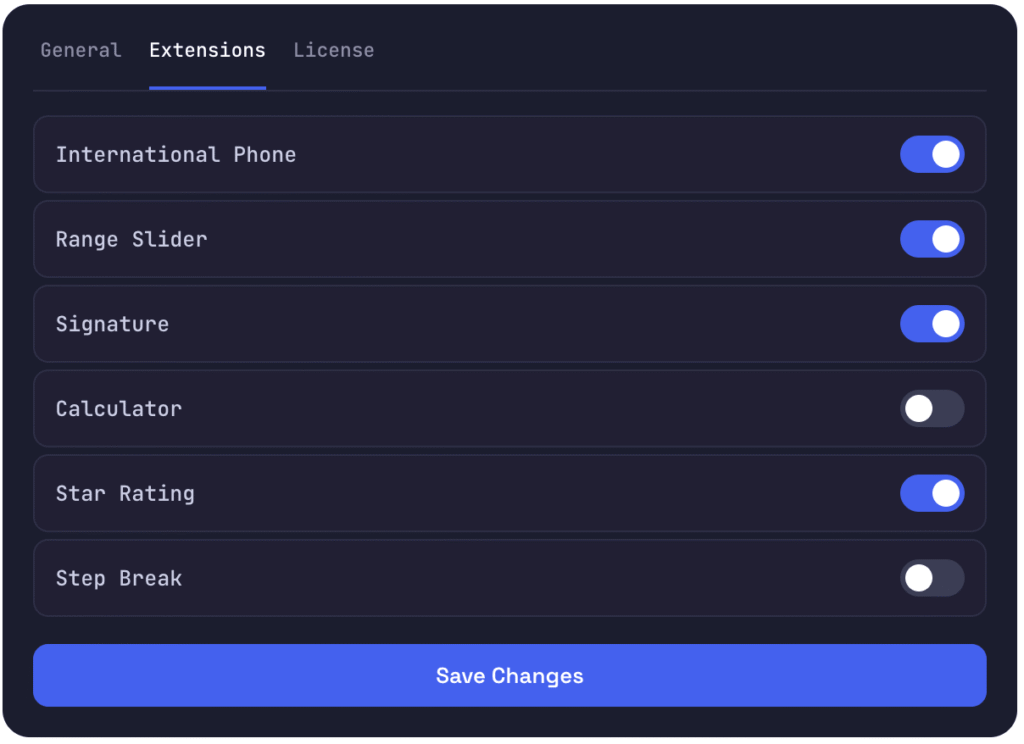
New Form Fields for Bricks Builder
Calculator
Need to calculate prices, totals, or estimates based on user input? The new Calculator field lets you perform calculations directly inside your forms, making it ideal for quotation forms, service cost estimators, donation forms, and pricing calculators.
Color Picker
The Color Picker field makes it easy for users to select colors without manually entering values. It’s a great addition for product customization forms, design request forms, or any workflow where color selection is important.
Step Break
Long forms can often feel overwhelming. With the Step Break field, you can split a single form into multiple steps, making it easier for visitors to complete and improving the overall form experience.
Star Rating
Collecting feedback should be quick and intuitive. The Star Rating field lets visitors rate products, services, or experiences with a single click, making it ideal for review forms and customer satisfaction surveys.
Toggle Switch
Replace standard checkboxes with a modern Toggle Switch. It’s a simple improvement that gives your forms a cleaner, more interactive look while making options easier to understand.
>> Check out the Form Fields in action.
These new additions build on the previously released International Phone, Range Slider, and Signature fields, giving you even more options to create forms tailored to your website’s needs.
And because everything works with the native Bricks Builder Form element, you can build these experiences without installing a separate form builder or writing custom code.
>> Learn how to use form fields in our detailed doc here.
More Advanced Form Features
Along with these new Form Fields, we’ve also introduced Form Conditions and a Phone Number Input Mask to help you build more flexible, dynamic, and user-friendly forms that are easier to complete.
Build Smarter Forms With Conditional Logic
Great forms do more than collect information. They adapt to the people filling them out. With Form Conditions in Max Addons, you can create forms that respond to user input in real time.
Show or hide fields based on previous answers, keep your forms clean and relevant, and ask only for the information you actually need. The result is a smoother experience for your users and more accurate form submissions.
Make Data Entry Faster With Input Masks
Entering information in the correct format shouldn’t be a guessing game. Input Masks guide users while they type, helping them enter information accurately from the start. The latest update supports input masks for
Supported formats include: Phone Number, Date, Time, Credit Card, Currency, and Custom Patterns.
Create Forms for Every Use Case
With this update, you can build a wide range of forms, including:
- Quote and pricing calculators
- Booking and appointment forms
- Registration forms
- Surveys and questionnaires
- Customer feedback forms
- Multi-step applications
- Service request forms
Everything works seamlessly with the native Bricks Builder Form element, so you can create advanced forms without adding another form builder to your website.
Update Max Addons Today!
Update to the latest version of Max Addons for Bricks Builder to start using the new Form Fields. We can’t wait to see the forms you build with them. Feel free to share your feedback or tell us which field you’d like to see next!
We’d love to hear your feedback. Let us know how you’re using the new Form Fields and what you’d like to see next!
